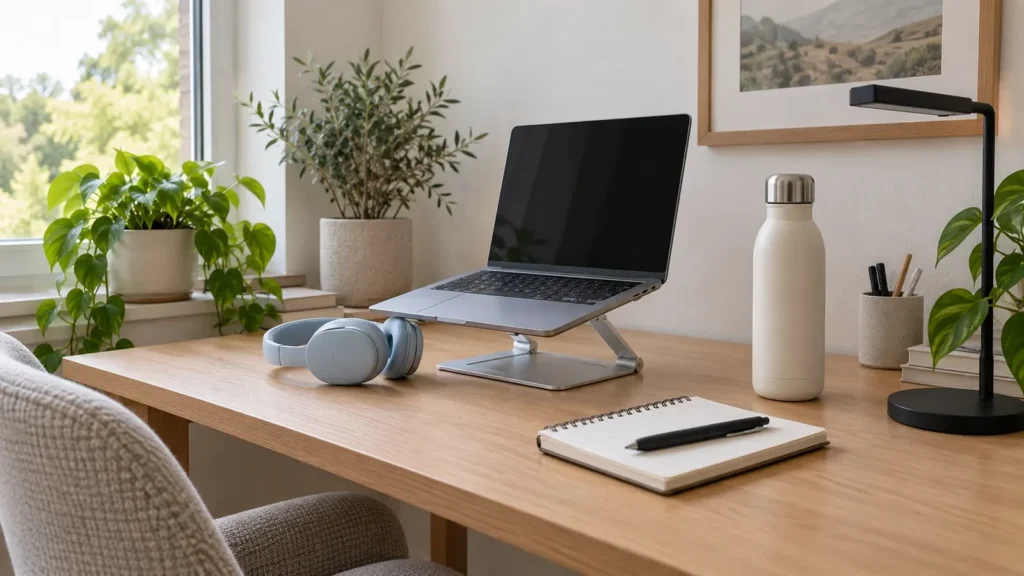
Most «productive desk setup» lists read like shopping lists for a nicer-looking desk. Every item below is there to remove something that pulls your attention away while you work. Some cost nothing and none are required, and the best place to start is whatever solves your biggest distraction. Each one says who it is for.
1. Something to control what you hear
Noise is the most common distraction and the easiest to fix. Here are three options, and the first two are the ones I use myself.
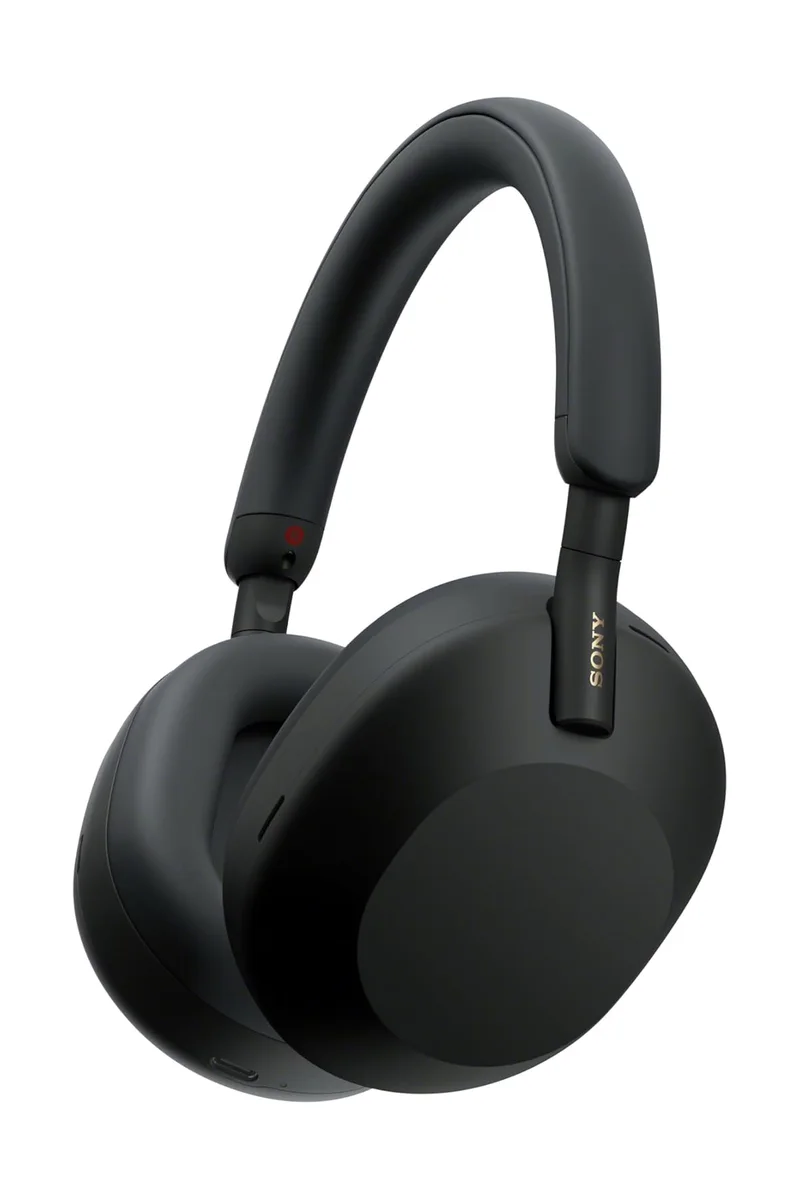
Bose QuietComfort Headphones
Best forLong sessions at home or in loud spaces
Noise cancellingYes, cuts the room right down
Comfort for hoursVery comfortable over-ear
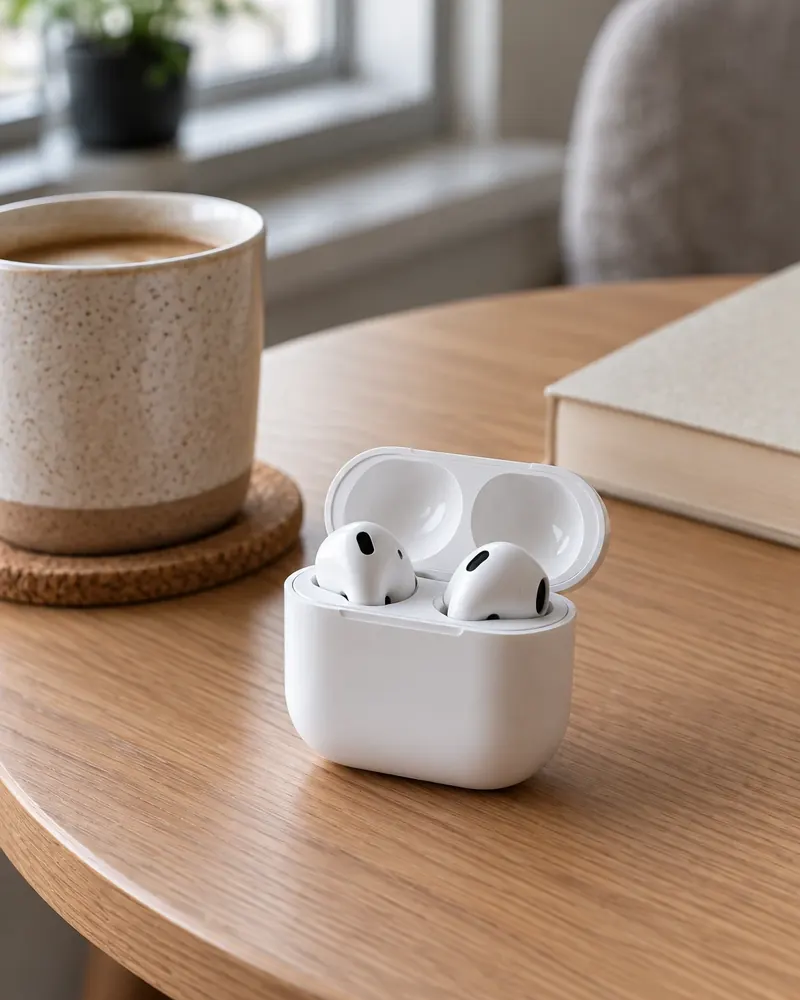
AirPods 4 (ANC)
Best forLighter sessions and on the go
Noise cancellingYes, small and easy to carry
Comfort for hoursLight, barely there
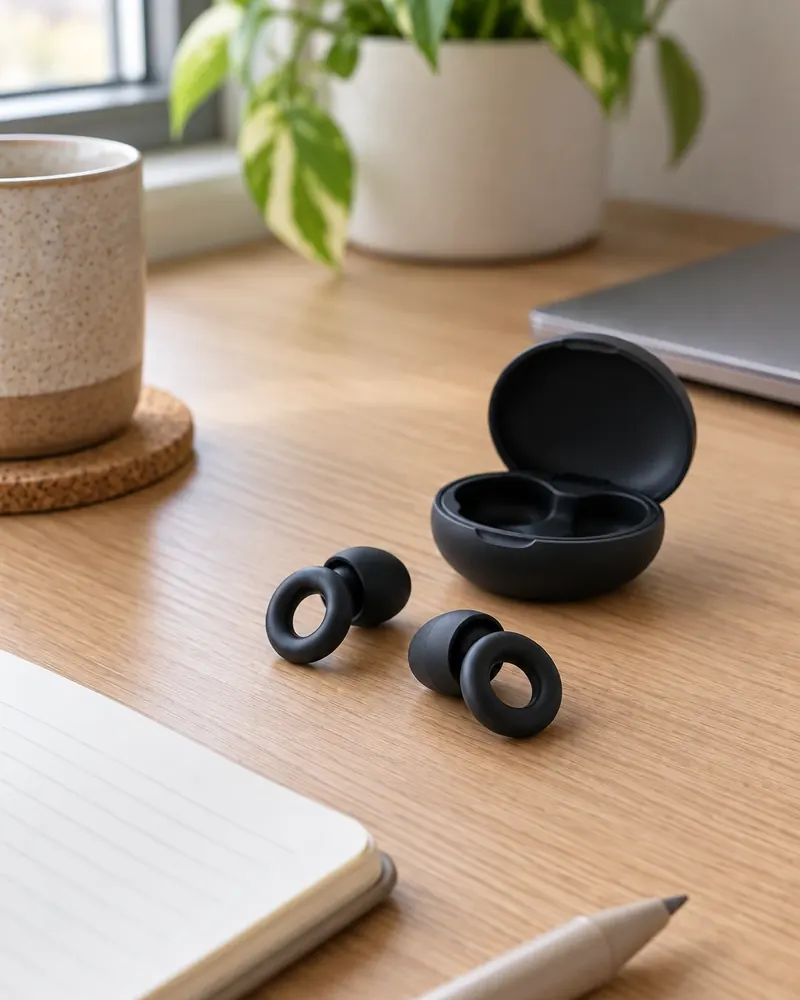
Loop earplugs
Best forTaking the edge off a room
Noise cancellingPassive, softens, doesn’t remove
Comfort for hoursVery light, nothing on your ears
What I use every day
Bose QuietComfort Headphones
Mine are the light blue ones. With noise cancelling on, the room drops away, and a Luneia session can sit at a really low, comfortable volume, which is exactly how background sound should work.
- Strong noise cancelling
- Comfortable for long blocks
- Long battery life
- Pricier than earbuds
- Bulkier to carry around
For lighter sessions or when I’m out I use my AirPods 4 with noise cancelling, which are small and light and work well in a café or on the train. Low-profile earplugs are the cheap, light option if you only need to soften a room.
For a sound to go with them, start with how to find your noise color.
2. A timer you can see
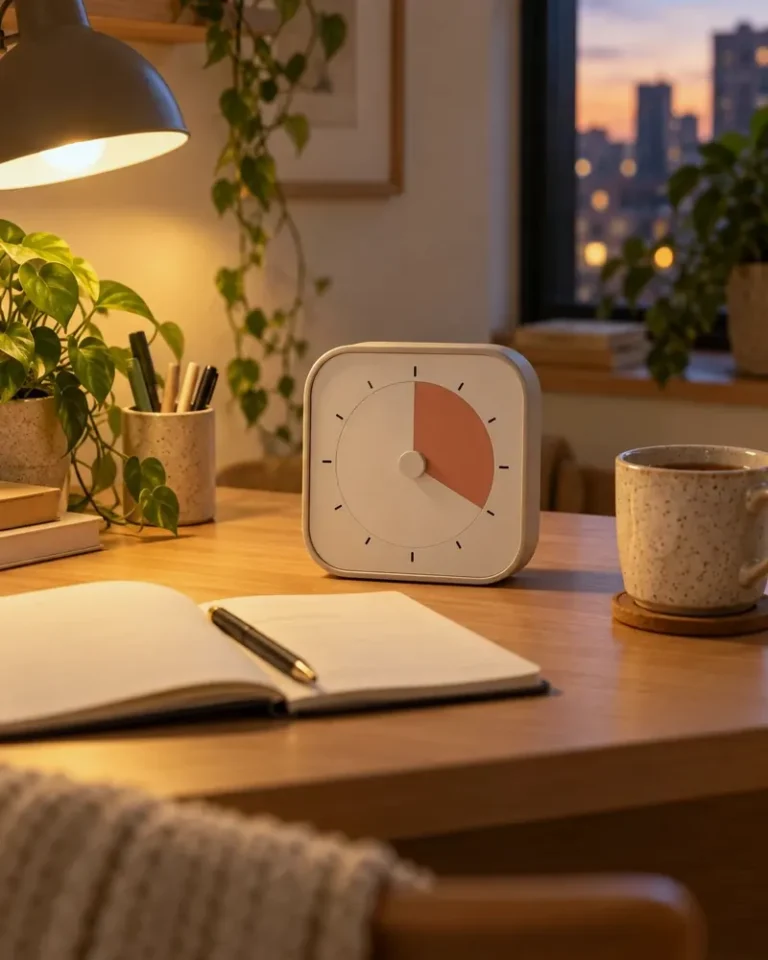
Checking the time on your phone is a quick way to end up on your phone. A visual countdown timer on the desk shows time passing at a glance. It suits people who lose track of time or feel anxious about how much is left. If you already run your sessions on screen you can skip it, since every Luneia session has the timer built in.
3. A place for the phone that isn’t your desk
A widely shared 2017 study (Ward and colleagues) suggested that just having your phone on the desk drains your brainpower, but a preregistered replication in 2022 didn’t find the same effect, so the evidence is mixed. You can’t check a phone you can’t reach, though. The gentlest option is another room, which is free and works well. A simple stand facing away from you suits when you need to stay reachable, and a timed lock box helps if willpower has lost this fight a few times.
4. Light
Harsh overhead light or a dim corner makes long sessions more tiring. A desk lamp with adjustable brightness and warmth keeps your work area evenly lit, cooler during the day and warmer in the evening. It helps most with late-night study or a room with poor light.
5. Paper for interrupting thoughts
Mid-session your brain will remind you to buy milk, reply to someone and look something up. Write it on paper instead of opening a tab. A small notepad next to the keyboard also holds the note about where you stopped and what is next at the start of each break, the habit behind getting your focus back after interruptions.
6. Water within reach
«I’ll just get a glass of water» is a classic way for a two-minute break to become twenty. A large insulated bottle filled before you start removes one reason to get up mid-block.
7. A way to block the internet
If the distraction lives in your laptop, put the barrier there. App and website blockers like Freedom or Cold Turkey can block specific sites for the length of a session, and most have free tiers worth trying before you pay.
You don’t need all seven
Look at your last session and notice what pulled you away first: noise, your phone, the time, a thought or the internet. Fix that one, then start a 50/10 session.
All of these are collected, with the problem each one solves, on a page of picks: A desk that helps you focus.