 Visual timer“Five more minutes” turns into an hour.View
How to choose a Pomodoro timer in 2027
A good Pomodoro timer starts quickly, lets you change the block length, rings loudly enough to notice and keeps running in a background tab. A block counter and a steady sound are nice extras. Luneia’s free browser timer has all of these.
- Suggested rhythm
- 25/5
- Suggested sound
- Brown Noise
- Best for
- Picking a timer
What to look for
- 01It starts fast. If setting it up takes more than a minute, you will skip it on the days you need it most.
- 02The blocks are adjustable. 25/5 is the classic, and 50/10 or 90/15 suit longer work.
- 03The bell reaches you. Check that it still rings when the tab is in the background or the screen is dim.
- 04It counts finished blocks, so you can see how many you did today without keeping score by hand.
- 05A steady sound is available if you want one, such as brown noise, pink noise or rain. Plenty of people prefer silence, so it should be optional.
Browser, phone app or physical timer
A browser timer needs no install and works on any laptop. A phone app is handy away from the desk, although the phone is also where most distractions live. A physical or visual timer sits next to you and leaves the screen free, which some people like for reading and writing.
None of them is the right answer for everyone. Pick the one you will still open next week.
Where Luneia’s timer fits
The free Pomodoro timer runs in your browser. You choose any focus and break length, it counts your blocks, it keeps running in a background tab and Space starts or pauses it. The built-in sound is a basic generated one. There is an optional email prompt at the start that you can skip.
If you would rather not touch anything, the longer Luneia sessions on YouTube and Spotify use real recordings with the rhythm already built in.
A quick way to test any timer
Run one 25 minute block on a real task.
Notice whether you heard the bell without looking at the screen.
Try one 50/10 block and see whether it felt rushed or restless.
Keep the timer you opened again the next day.
Gear that helps
Small things that remove distractions or make long sessions easier. The links are affiliate links: if you buy through them Luneia may earn a small commission, at no extra cost to you (details). More on our Essentials page.
Visual timer“Five more minutes” turns into an hour.View 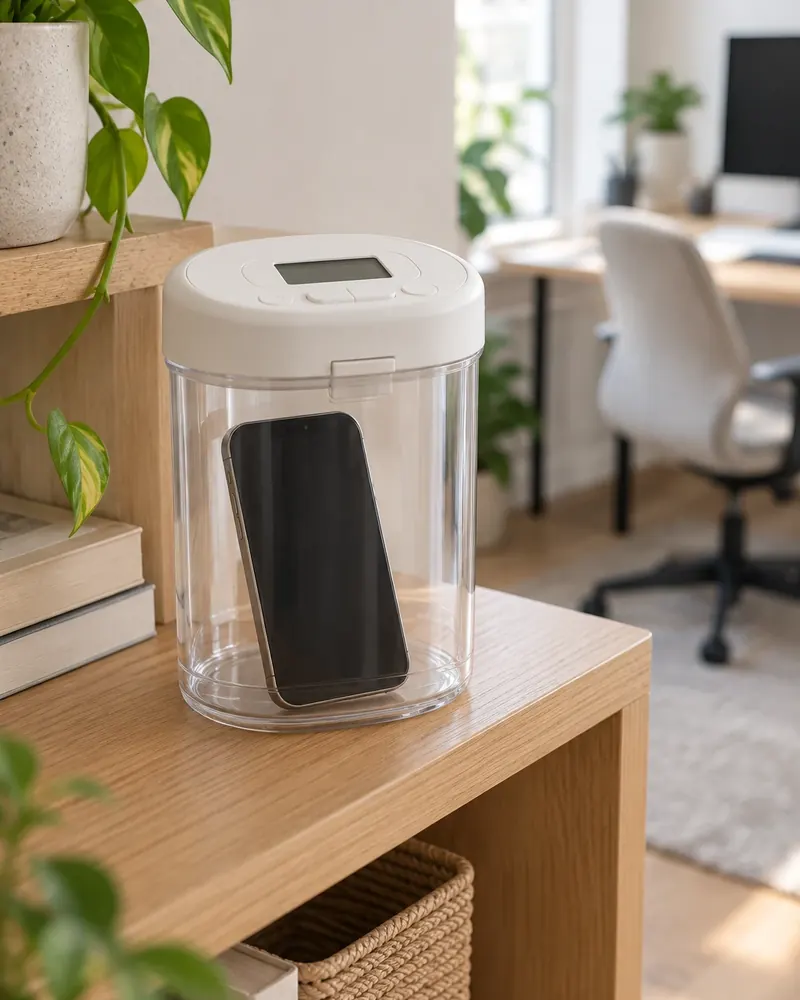 Timed lock box for your phoneChecking one notification can cut a 25-minute block short.View
 Small notepad by the keyboardA random thought sends you to a new tab, and you never come back.View
 Bose QuietComfort HeadphonesVoices and noise at home interrupt you every few minutes.View
 Lepro LED desk lamp with 5 color modesOverhead light is too harsh, or your desk is too dim by evening.View
 Hydro Flask insulated water bottle“I’ll just get some water” turns a short break into twenty minutes.View
Keep reading
Questions
Questions, answered.
What is the best free Pomodoro timer in 2027?
The best one is the one you open without thinking about it. Look for adjustable blocks, a bell you can hear and a block counter. Luneia’s free Pomodoro timer has all three and runs in the browser.
Do I need an app for the Pomodoro Technique?
No. A kitchen timer works, and that is how the technique started. A browser timer or a phone app adds a block counter and a bell that is hard to miss.
How long should a Pomodoro be?
25 minutes with a 5 minute break is the classic. Try 50/10 or 90/15 for work that takes longer to settle into. Compare all rhythms.
Keep reading
Guides to go with it
Letters